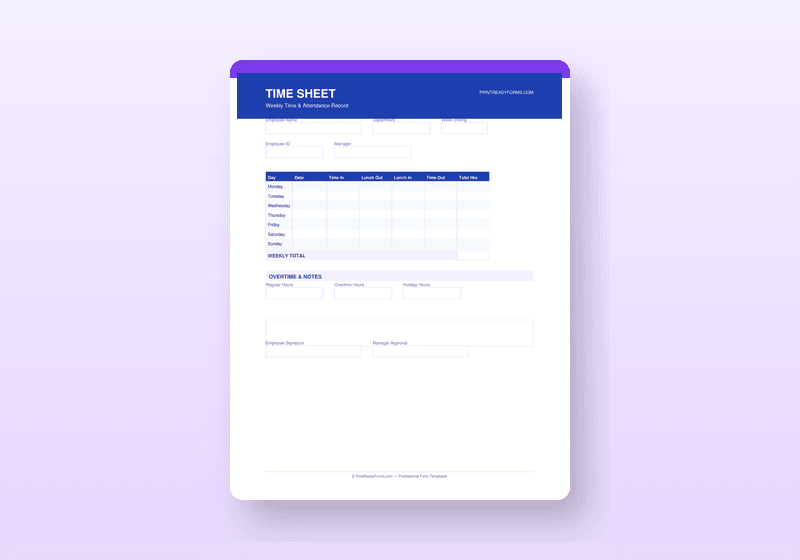
Employee Timesheet Template — Weekly Time Tracking PDF with Overtime
Professional 2-page timesheet with overtime tracking, project codes, PTO log, and 3-signature sign-off
What's Included
- 2-page weekly timesheet with in/out, break, regular hours, and overtime columns
- Project code field for allocating hours across jobs, clients, or departments
- Automatic overtime flagging when daily totals exceed 8 hours
- Hours Summary panel showing weekly regular, overtime, and total hours
- PTO Tracking panel for vacation, sick, and personal day balances
- Three-signature approval block: Employee, Supervisor, and Payroll
- Monthly Attendance Tracking Sheet for absence and tardiness records
- Overtime Request Form for pre-authorizing extra hours
- Time Off Request Form tied to the PTO tracking system
Available Formats
What happens after purchase
In HR & Employment · Have questions? See our FAQ
Note: Template only. Not legal, HR, or employment advice. Employment laws vary by state and locality. Have important hiring, discipline, and termination documents reviewed by a qualified employment attorney or HR professional before relying on them.
What Makes This Template Different
Time tracking is where payroll accuracy either holds together or falls apart. Loose, informal time records create disputes, overpayments, and compliance problems. This system gives you everything you need to run a clean, documented time tracking process.
The 2-page Timesheet covers a 7-day work week with fields for time in, time out, break duration, regular hours, overtime hours (flagged when daily total exceeds 8 hours), and project or department code. A weekly Hours Summary panel calculates regular vs. overtime totals at a glance. A PTO Tracking panel records vacation, sick, and personal days used and remaining. Three signature blocks complete the form — Employee, Supervisor, and Payroll Approval — creating a proper approval chain before hours are processed.
Also included: an Attendance Tracking Sheet for monitoring tardiness and absenteeism over a full month, an Overtime Request Form for pre-approving extra hours before they are worked, and a Time Off Request Form that integrates with the PTO tracking system.
Who Is This For?
This template is the right fit if you are any of the following:
- Small businesses tracking hourly employee time for payroll processing
- Managers who need signed, approved timesheets before submitting to payroll
- Project-based businesses allocating labor costs across multiple clients or jobs
- HR teams building consistent attendance and PTO tracking systems
Read Before You Use
All guides →These free guides explain what each section of this document means — so you fill it in correctly, not just completely.
How to Use This Template
- 1Distribute a new timesheet to each employee at the start of every pay period
- 2Employees fill in daily in/out times and break durations throughout the week
- 3Supervisor reviews and signs before forwarding to payroll
- 4File completed timesheets as payroll records — retain per your state requirements
- 5Use the Attendance Sheet to monitor patterns of absence or tardiness over time
Starting From Scratch
Generic and time-consuming
- Generic layout — signals an unprepared operation
- Missing fields US counterparties expect
- Hours of trial-and-error formatting
- Formatting breaks when edited
One-time · $14.99 · 30-day guarantee · Instant download
Questions About This Template
Common questions answered before you buy.
Is this timesheet suitable for bi-weekly pay periods?
The template is designed as a weekly timesheet. For bi-weekly periods, use two sheets per pay period.
Does overtime calculate automatically?
The timesheet provides the fields and structure for calculating overtime. As a PDF form, you fill in the daily and weekly totals. The layout makes the math straightforward — regular hours column, overtime column, and a weekly summary panel.
Can project codes track multiple clients or jobs?
Yes. Each day row includes a project/department code field you can use for client billing codes, job numbers, or department cost centers.
Save More — Bundle Deal
Complete HR Bundle
The full employee lifecycle in one pack — from offer letter to termination.
One-time payment · PDF + Word · 30-day guarantee
Includes this template + all others in the pack
Explore More Templates
Other templates that work well alongside this one.
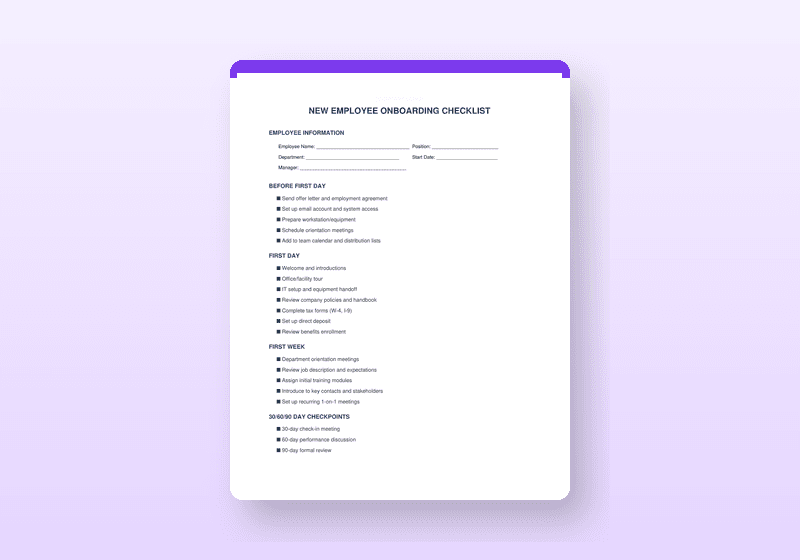
Employee Onboarding Package
Complete new hire system — 4-phase checklist, first-day agenda, welcome letter, and benefits summary
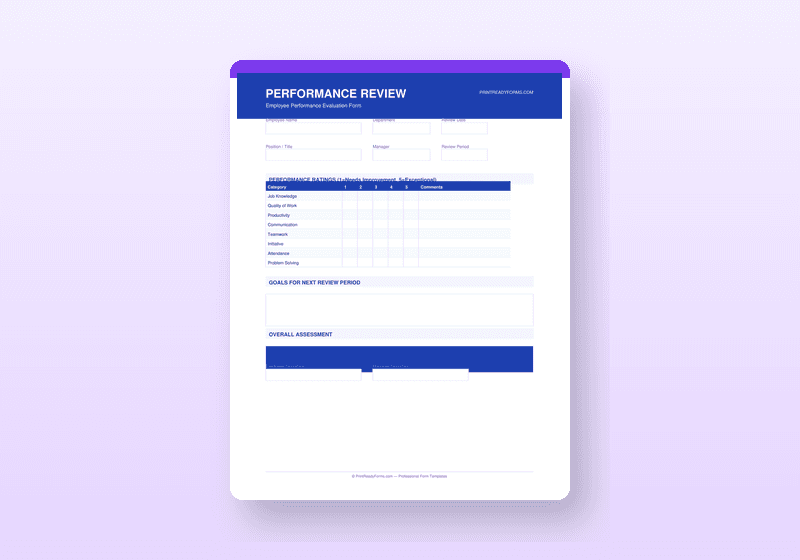
Performance Review Template Set
Complete 2-page review system with competency ratings, SMART goals, development plan, and 3 signatures
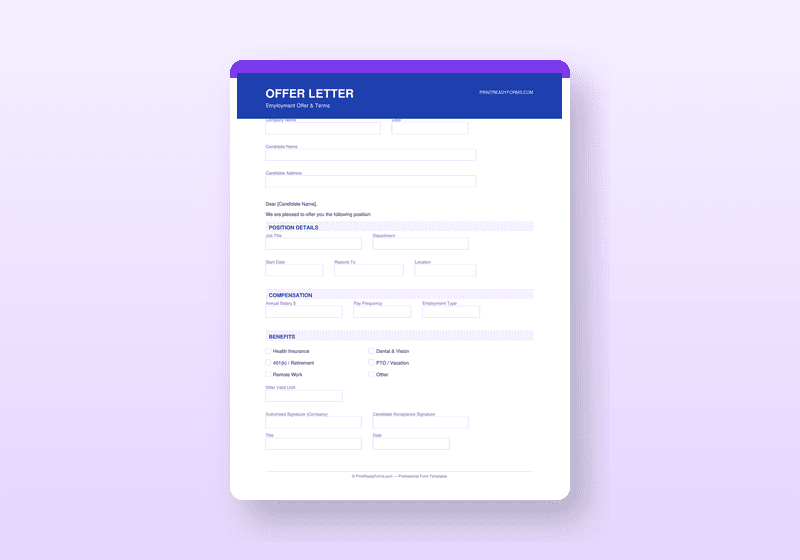
Employee Offer Letter & Contract Pack
Professional offer letter with employment terms table, benefits overview, and contingency conditions